
From customer calls to a PRD you can trace: specs with citations
AI drafts PRDs in minutes, but from memory. How to turn customer calls into a PRD where every requirement cites who asked, how many and the quote.
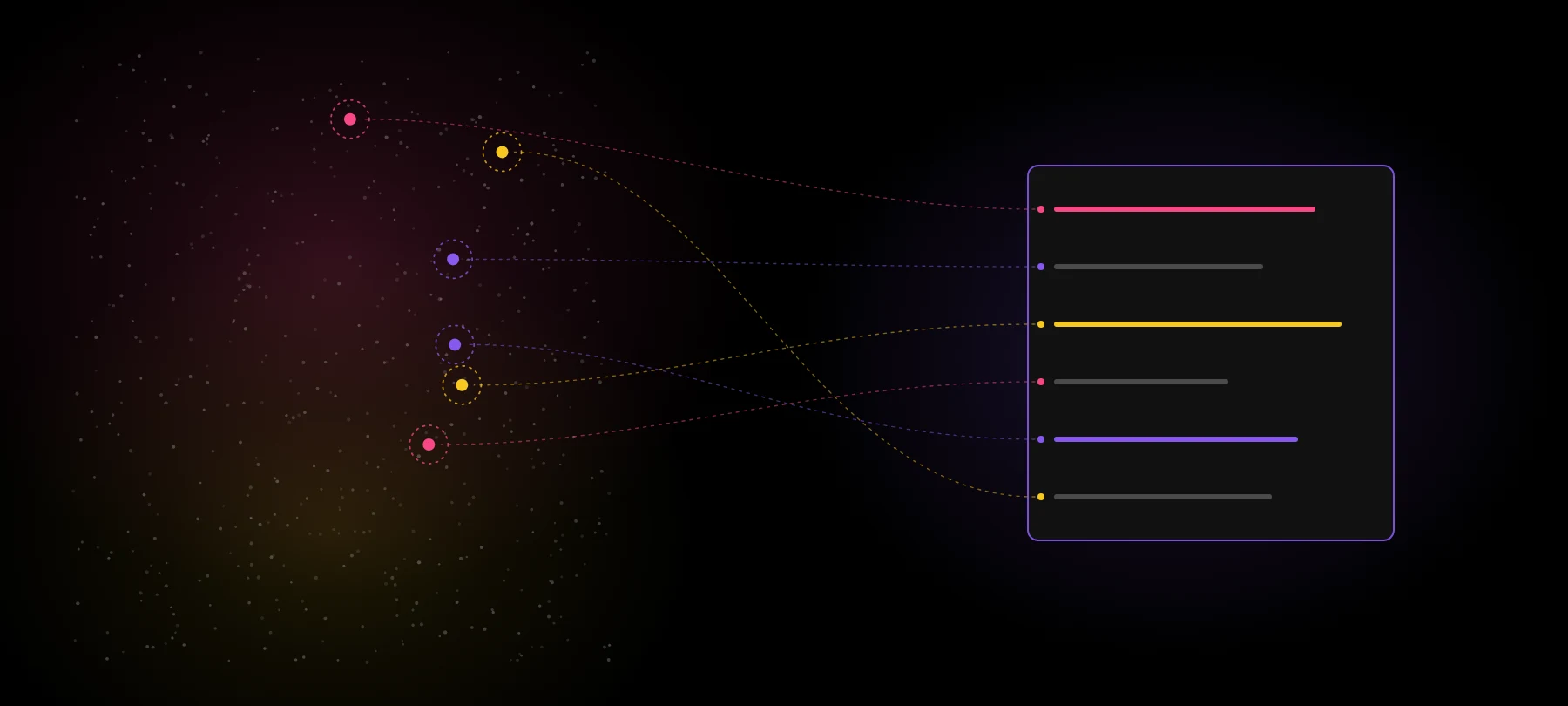
AI can draft a PRD in a minute. Paste in a few notes, ask for a problem statement, goals, requirements and edge cases, and you get a clean document that reads like a senior PM wrote it.
It still starts from the same place PRDs always did: the PM’s memory of a few calls.
The PRD got faster. The evidence didn’t. This post covers what a traceable PRD looks like, the three ways teams try to get there today and where each breaks, and a five-step workflow for turning customer conversations into a spec where every line points back to a real customer.
The PRD got faster. The evidence didn’t.
”The PRD got faster. The evidence didn’t.”
The pain here is real and specific. In five separate sales conversations this year, product leaders named the same problem in almost the same words: getting from meetings to actionable PRDs. Requirements get discussed out loud on calls, and then they’re hard to find in a pile of transcripts.
A product leader we interviewed for our eBook put the old cost plainly: a good PRD used to take days or weeks of talking to everyone and pulling context from Drive, Confluence and Jira.
AI writing tools cut the drafting time to minutes. They didn’t touch the gathering. And now the PRD has a new reader. It isn’t only engineers who build from it, it’s coding agents, and an agent builds exactly what the spec says, with no instinct for “wait, did anyone ask for this?” As one developer put it this week, a PRD alone is no longer enough for what an AI coding agent needs (dev.to).
What “traceable” means
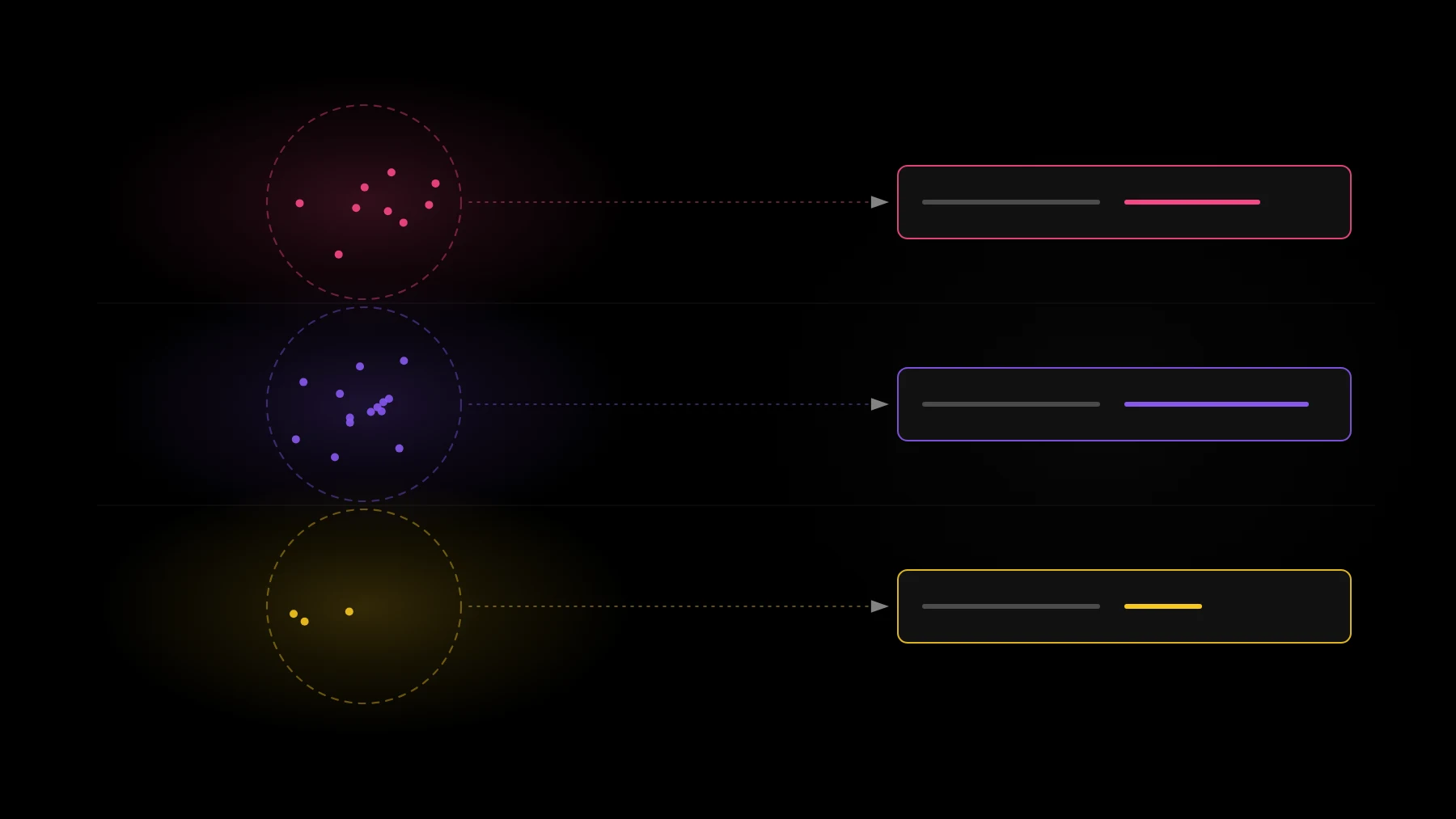
A traceable PRD is one where every requirement can answer “says who?” in one click. Each line links to:
- 💬 The sentence a customer actually said, not a paraphrase.
- 🏢 The account that said it.
- 💵 What that account is worth, and how many other accounts asked for the same thing.
In practice, the requirements section gains four columns:
| Requirement | Who asked | How many | Quote |
|---|---|---|---|
| 📤 Scheduled exports for admins | Ops leads at mid-market accounts | 9 accounts | ”Every Monday I rebuild the same report by hand.” |
| 🔐 SSO with role mapping | IT admins at enterprise accounts | 14 accounts | ”We can’t roll it out past the pilot team without SSO.” |
| 🔔 Alerts when a metric drops | Product managers | 3 accounts | ”I find out from a customer, not from the dashboard.” |
(Sample company and sample numbers for illustration.)
The third row is the interesting one. Three accounts is a real signal, but it’s a different priority from fourteen. Without the column, both rows look equally important on the page.
Three ways teams do it today, and where each breaks
1. 📋 Paste transcripts into a chat. Copy five calls into Claude or ChatGPT and ask for a PRD. This works for a handful of calls. Past about ten transcripts, the model can’t hold everything, a search step picks what looks relevant, and the PRD quietly reflects a sample. It sounds complete either way.
2. ✍️ A PRD tool with no customer data. Dedicated PRD writers are fast and well structured. Most of them never see your calls, tickets or CRM. The output is fluent and unsourced: good structure around requirements the PM supplied from memory.
3. 📎 A hand-built evidence appendix. A diligent PM adds a table of quotes at the bottom, copied from call notes. This is the right instinct. It goes stale in a week, it covers the calls the PM happened to watch, and nobody updates it when ten new accounts raise the same issue.
There’s an honest split in how teams feel about PRDs at all. Several product leaders we interviewed still write them because engineering needs the context. Others say a strong prototype plus a short spec replaces the long document. Either way, the evidence question is the same: whatever you hand to the builder, human or agent, should say who asked.
A five-step workflow
- 📥 Collect every source. Calls, tickets, chat, CRM notes and the Slack channels where sales and CS forward requests. Not the five calls you remember: all of them, for the time window that matters.
- 🔍 Extract requests. Read each conversation and pull out each distinct request, named as the customer’s goal. One call can hold several requests; one request can show up across many calls.
- 🔢 Count distinct customers. Group requests that mean the same thing, count distinct accounts, and join revenue from the CRM.
- 🔗 Attach the quotes. Keep a link from every request back to the exact sentence and the conversation it came from.
- 📝 Draft the PRD from the counted set. Now let the model write. Give it the counted, cited requests for the feature area, not raw transcripts, and ask for a PRD whose requirements table carries who asked, how many and the quote.
The order is the point. Steps 1 to 4 are a pipeline; step 5 is where a model shines. Our post on checking specs for customer evidence goes deeper on what to verify once the draft exists.
Run this workflow on your own calls and get a PRD with citations. Sign up free
Checklist before an agent builds from it
Before the PRD goes to a coding agent, run five checks:
- 🙋 Who asked? Every requirement names the accounts behind it.
- 🔢 How many? Distinct accounts, not mentions.
- 💵 What are they worth? Revenue is on the page, not in someone’s head.
- 🔗 Does every line drill down? Click any requirement and land on a real conversation.
- 📈 What changed since it was written? New accounts asking, or a request going quiet.
A requirement that fails the first check is an assumption. That’s allowed, but label it as one, so the agent and the reviewer know which lines are bets.
What good looks like
Here’s a short before and after, for an invented sample feature.
Before: “Users want better reporting. Add scheduled exports so admins can send reports automatically. Priority: high.”
After: “Scheduled exports for admins. 9 accounts asked in the last 90 days, $180K ARR combined, 2 renewing this quarter. Most common job: rebuilding the same weekly report by hand (‘Every Monday I rebuild the same report by hand’, ops lead, sample account). Out of scope: custom report builder (2 accounts, both on the starter plan).” (Sample feature and numbers.)
The second version is longer by two lines. It tells the builder what to build, why, for whom, and what to leave out. And when someone asks “says who?”, the answer is already there.
Every requirement should answer “says who?”. Start from the counted evidence, and the PRD writes itself on top of it.
”Every requirement should answer “says who?”.”
Turn your customer calls into a PRD you can trace. Connect your sources and run the workflow on your own conversations. Sign up free
FAQ
What tools turn customer conversations into PRDs with citations? You need two parts: a pipeline that reads every call, ticket and chat, extracts and counts requests by distinct account and keeps the quote, and a writer (usually a model) that drafts the PRD from that counted set. Tools that do only the writing produce fluent PRDs with no sources.
What is a traceable PRD? A PRD where every requirement links to the exact sentence a customer said, the account that said it, and how many accounts asked for the same thing, so anyone can check where a requirement came from.
Why isn’t pasting transcripts into ChatGPT or Claude enough to write a PRD? Past about ten transcripts the model only sees what a search step picked, so the PRD reflects a sample. It also can’t count distinct accounts or join revenue, so priorities on the page aren’t backed by numbers.