
Your sales-call tool hears product feedback. It just can't count it.
Gong records every customer call but answers one deal at a time. How product teams count feedback across calls, tickets and CRM without changing sales.
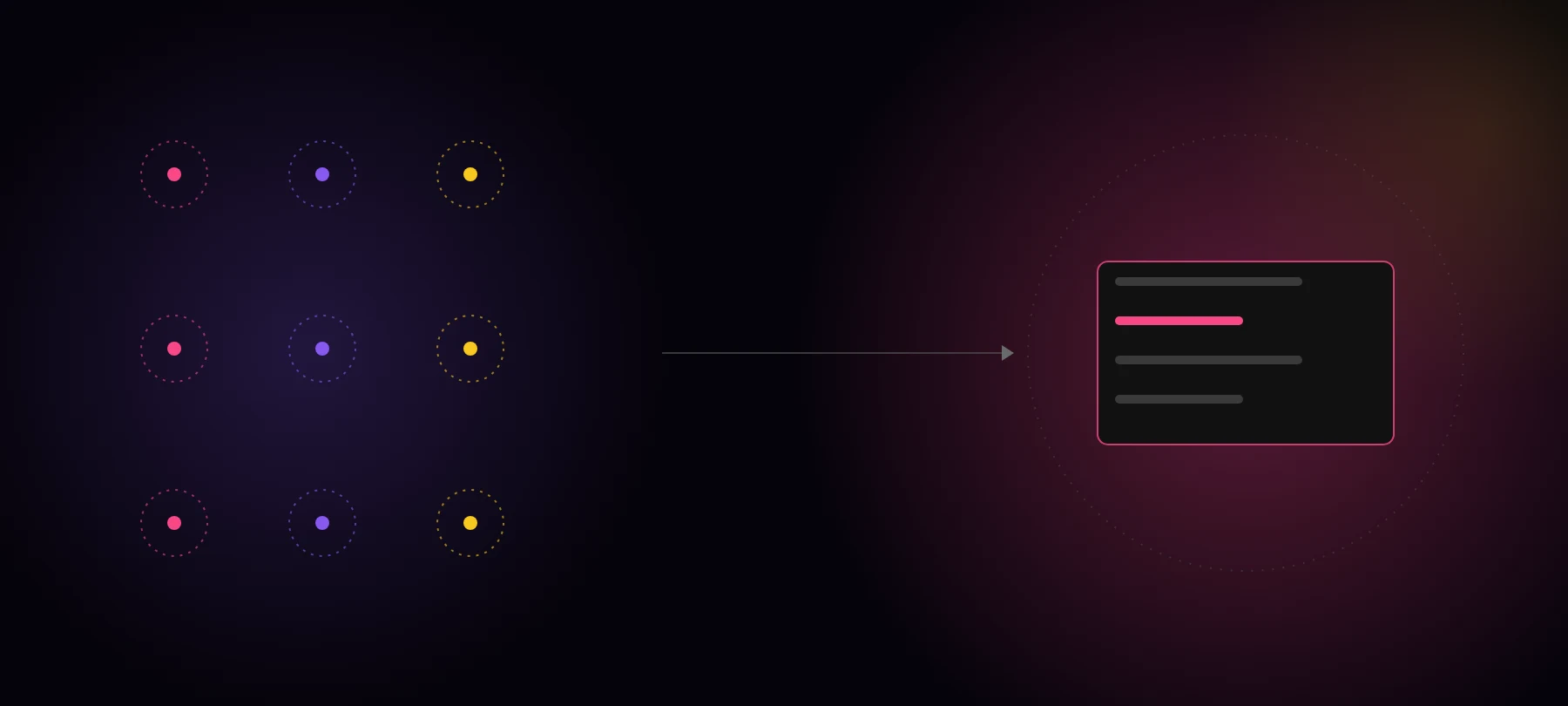
If your company pays for Gong, or any call recorder like it, your product feedback is already being recorded. Every discovery call, every renewal, every “we’d sign if you had SSO” is sitting in a transcript.
Most of it never reaches the roadmap.
That is not because the recorder is bad. It is because it was built for a different job. This post is about that gap, the questions product teams actually need answered, and how to close it without asking the sales team to change a thing.
What call recorders are built for (and they’re good at it)
Revenue intelligence tools are built around the deal and the rep. They are very good at it:
- 🎯 Coaching. Talk ratios, objection handling, which reps follow the playbook.
- 📈 Forecasting. Deal risk, next steps, who’s engaged on the buyer side.
- 🗂️ Account prep. A quick brief before a call so nobody walks in cold.
Gong’s own AI tools make this clear. Its MCP server, which lets Claude, ChatGPT and Copilot query Gong, exposes three tools: ask_account, ask_deal and generate_brief. Each one answers questions about a single account or a single deal, and it returns AI-generated insights, not raw transcripts (Gong help center).
That is exactly right for a rep prepping a call. It is the wrong shape for a product manager.
Where product feedback goes to die

Product feedback in a sales call is a side effect. The rep is working the deal, the prospect mentions a gap, the call moves on.
From there it usually goes one of three ways:
- 💬 A Slack message. The rep posts “another customer asked for SSO” in a product channel. It gets a thumbs up and scrolls away.
- 🏷️ A CRM field. Someone adds “SSO” to a feature-request picklist. Half the team uses it, the other half doesn’t.
- 🕳️ Nowhere. It stays in the transcript, one call at a time, until someone happens to search for it.
The same request also shows up in support tickets, CS check-ins, onboarding calls and survey answers. None of those live in the call recorder.
So the evidence exists. It is just scattered across sources and stuck one conversation at a time. A recorder hears every call. Nobody counts across them.
The questions a PM actually asks
Product questions are not about one deal. They are about many customers at once:
- 🔢 How many customers asked for this in the last quarter?
- 🏢 Which accounts, and are they the ones we’re trying to win or keep?
- 💰 What are they worth, in pipeline and in ARR?
- 📊 Is it growing, or was it one loud month?
- 🗣️ What exactly did they say, so we build what they meant and not what we guessed?
Every one of those is a counting question. You cannot answer it by asking about a single account, and you cannot answer it by searching transcripts for a keyword, because customers describe the same need in a dozen different ways.
To count honestly, something has to read every conversation, pull out each need, group the ones that mean the same thing, count distinct customers rather than quotes, and tie each one to the account and its revenue. Then it has to keep doing that as new calls land.
That is a pipeline, not a search box. When we looked at product teams with a homegrown setup, fewer than 1 in 8 could cluster or count across their feedback (Claude can’t count your customer feedback).
Keep Gong, add a layer that counts
You don’t need to replace your call recorder. Sales needs it, and it does its job well. What’s missing is a layer between your sources and your roadmap that does the counting.
| Call recorder (Gong and peers) | Customer evidence layer | |
|---|---|---|
| 👥 Built for | Reps, managers, deal reviews | Product, design, research, leadership |
| 🔍 Unit of analysis | One call, one deal, one account | Every customer, across every source |
| 📥 Sources | Sales calls and emails | Calls, tickets, CS notes, surveys, Slack, CRM |
| ❓ Answers | ”What happened on this deal?" | "How many customers asked, which accounts, what are they worth?” |
| 📤 Output | Briefs, risks, next steps | Counted needs, tied to accounts, with the quote behind each |
| 🤖 Who it serves over MCP | A rep asking about their account | Any agent deciding what to build |
The recorder captures the evidence. The layer turns it into a number you can put in a roadmap meeting.
How to set it up without changing the sales team’s workflow
The best part of this setup is that sales does nothing new.
- 🔌 Connect the recorder as a source. The layer reads calls from your recorder, alongside your support desk, CRM notes and surveys. Reps keep recording calls the way they do today.
- ⏪ Process your history first. Run the last two or three quarters through the layer so your first counts aren’t based on last week alone.
- 🎯 Pick five questions you already argue about. The feature everyone says is “constantly requested”. The churn reason nobody agrees on. Ask the layer, and check the counts against what the team believed.
- 🚪 Give product its own front door. PMs and designers ask in a shared workspace, or from Claude, ChatGPT or Cursor over MCP, and every answer links back to the exact moment in the call.
- 🔁 Close the loop with sales. When a request turns into a roadmap item, the accounts behind it are already listed, so the reps who heard it can tell those customers.
The recorder stays the rep’s tool. Product gets a count it can trust.
The bottom line
Your call recorder is already listening to your customers. It’s just listening one deal at a time.
If your roadmap meetings still run on “a lot of customers are asking for this”, the evidence isn’t the problem. The counting is.
See how many of your customers asked for your top feature request, with the accounts and the quotes behind it. Book a demo.