
How to turn Fellow meeting notes into a ranked list of customer requests
Fellow summarizes each meeting. Here's how to sync Fellow into Evermuse and get one list of customer requests, ranked by accounts, with quotes.
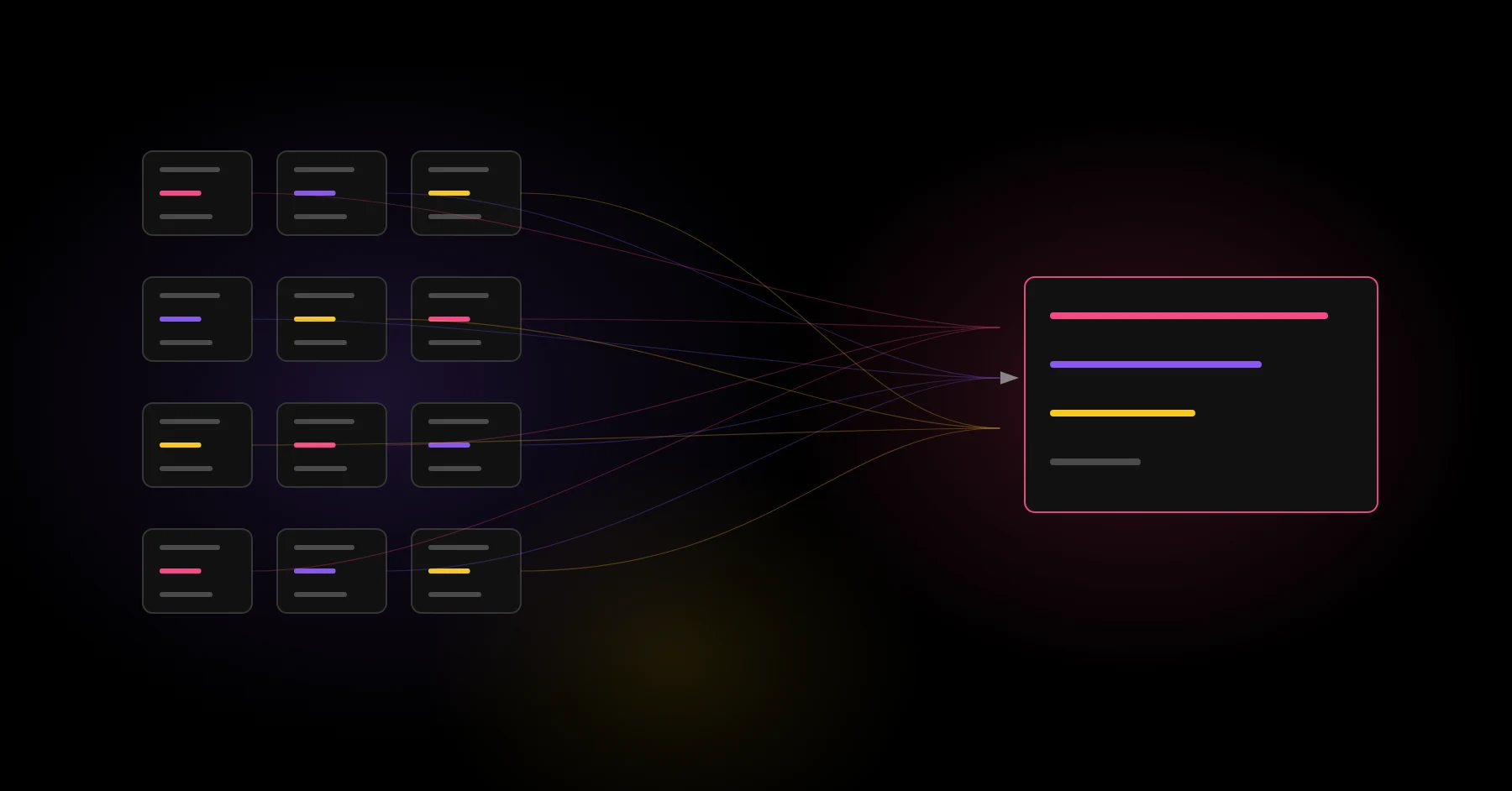
Fellow is good at the meeting. You get the agenda, the notes, the action items and a clean summary when the call ends.
What you don’t get is the pattern. Your top customer request was mentioned in 9 calls this quarter, by 9 different people, in 9 different ways. Each summary says it once. Per-meeting summaries hide your top request in plain sight.
”Per-meeting summaries hide your top request in plain sight.”
As of November, Evermuse brings in your Fellow meetings (released November 14, with channel selection on November 16). This post walks through how to go from a pile of Fellow notes to a ranked list of what customers asked for, with the accounts and quotes behind each one.
Why per-meeting summaries hide your top request
A summary answers “what happened in this call?” That’s the right question for the person who ran it. It’s the wrong question for the person who owns the roadmap.
The roadmap question is “what are customers asking for, across every call?” And that answer doesn’t live in any single summary.
A CPO on one of our sales calls put it plainly: meeting tools give you “meeting specific summaries, but nothing … driving insights from across all these conversations.”
A product lead at a data company described why: “there’s multiple product managers, there’s two engineering teams, there’s lots of CSMs and there’s a lot of just disparate conversations happening around the product … hard to bring that all into one place to understand what the signals are and what the demand is.”
Here’s how to bring it into one place.
Step 1: pick which Fellow channels to sync
Not every meeting belongs in your customer evidence. A stand-up about sprint scope will drown out the 3 customer calls that matter.
In Evermuse, add Fellow from the integrations page, then paste the link to each Fellow channel you want. Evermuse checks the link and syncs only the channels you pick, with progress shown for each one.
A good starting set:
- ✅ Sales: discovery calls, demos and deal reviews with prospects
- ✅ Customer success: onboarding, QBRs and check-ins with customers
- ✅ Research: user interviews and usability sessions
- ⛔ Leave out: internal stand-ups, 1:1s, planning and anything with no customer in the room
You can add channels later. Start narrow and widen once the list looks right.
Step 2: let every call become tagged signals
Once a channel syncs, Evermuse reads each meeting and pulls out what the customer actually said, as separate signals:
- 🎯 Needs: what they’re trying to get done
- 🩹 Pain points: what’s slowing them down today
- 🙋 Requests: specific things they asked you to build or change
- 💬 Quotes: the exact words, linked back to the meeting
Each signal is tied to the account and the person who said it. That’s what makes counting possible later. A request without an account is a rumor.
”A request without an account is a rumor.”
Your Fellow meetings now sit next to your other sources (calls from other recorders, tickets, notes), so the same request raised in a Fellow call and a support ticket counts as one need, not 2 unrelated mentions.
Step 3: read the ranked list
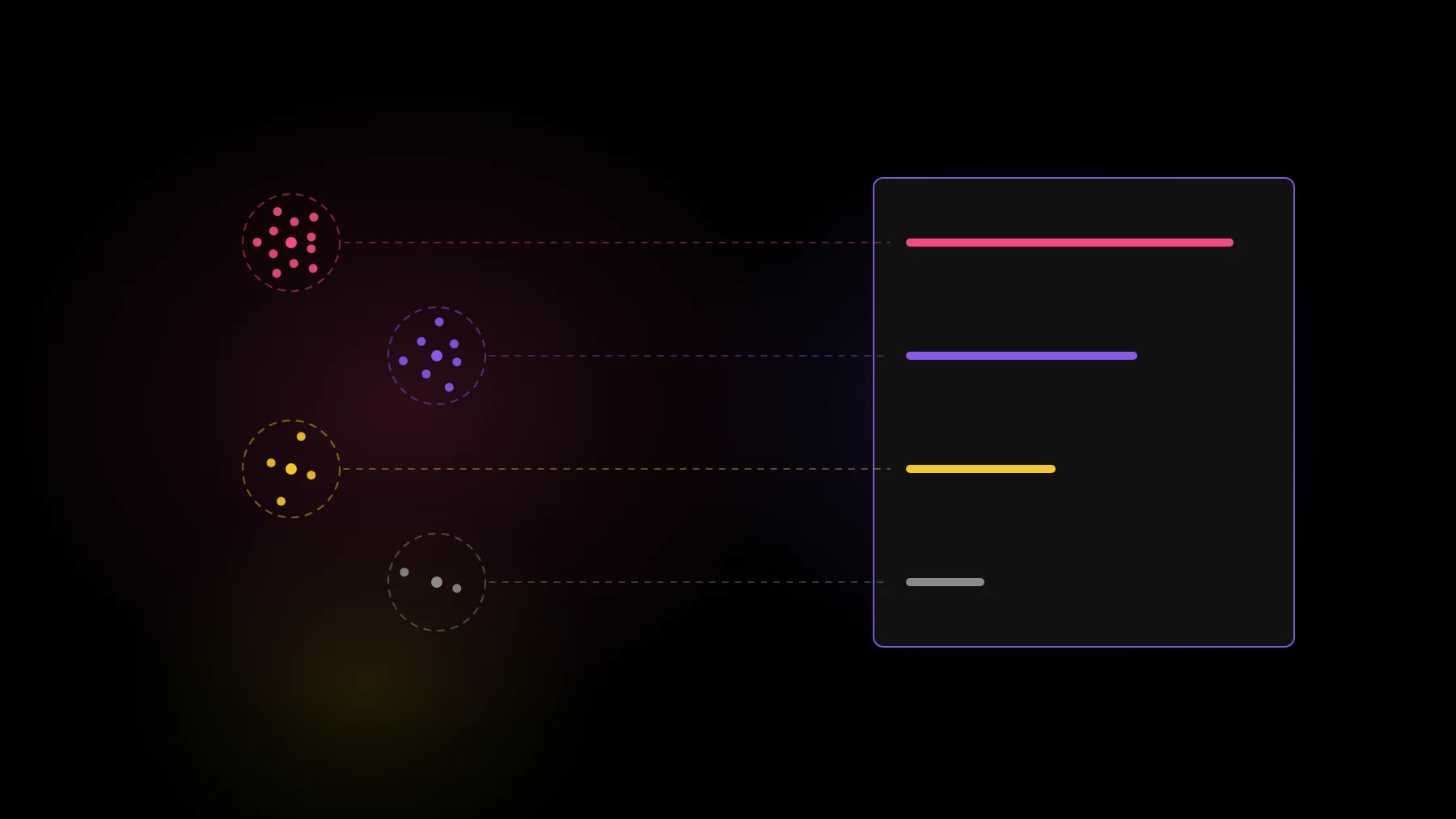
This is the payoff. Instead of 40 summaries, you get one list of requests, ranked by how many distinct customers raised them.
For each request you can see:
- 🔢 How often: distinct accounts, not mentions. One champion who asks 5 times is 1 customer.
- 🏢 Which accounts: names, plans and (if you connect billing) what they pay
- 🧩 Which segment: company size, role or industry, so you can tell a broad need from one loud corner
- 📅 How recent: a request from last week weighs differently from one in March
These are counted, cited needs: how many customers asked for something, what they’re worth, with the source behind every number. Click any count and you land on the quotes and the meetings they came from.
The first time teams see this list, the top item is usually not the one they expected. That’s the point.
Step 4: hand the top request to your coding agent
A ranked request is most useful once it’s in a spec. If your team builds with Claude Code, Cursor or another agent, connect Evermuse over MCP and ask it to draft the spec for your top request with the evidence attached.
The spec should carry:
- 🧾 The request in one sentence
- 🔢 The count, the accounts and the segment
- 💬 2 or 3 quotes, each linked to its Fellow meeting
- 🚧 What’s out of scope
The agent builds what the spec says. The reviewer can check the build against what customers actually asked for. And nobody has to reread 9 Fellow summaries to remember why.
What to do in week one
| Day | Do this | You’ll know it worked when |
|---|---|---|
| 📅 Day 1 | Connect Fellow and sync 2 or 3 customer-facing channels | Meetings show progress and then appear in Evermuse |
| 📅 Day 2 | Spot-check 5 meetings: are the needs and requests right? | The quotes match what you remember from the calls |
| 📅 Day 3 | Read the ranked request list | You see the top 10 with counts and accounts |
| 📅 Day 4 | Compare the top 5 with your current roadmap | You find at least 1 surprise in either direction |
| 📅 Day 5 | Draft 1 spec from the top request with evidence attached | Your agent or your team can build from it without a follow-up meeting |
Where Evermuse fits
Fellow runs the meeting. Evermuse is the customer context layer behind it: everything your customers said, across Fellow and every other source, counted and cited, in one place your team and your agents can use. If you want help setting it up, our forward-deployed builders (the engineers who wire it into your data) can do it with you, usually before the next meeting.
See it on your own data: connect Fellow to Evermuse and get your ranked list.
FAQ
Can I turn Fellow meeting notes into customer feedback? Yes. Connect Fellow to Evermuse, pick the customer-facing channels to sync, and each meeting becomes tagged needs, pain points, requests and quotes tied to the account.
How do I find the most requested features across Fellow meetings? Sync your Fellow meetings into a tool that counts distinct accounts per request across every call, instead of reading per-meeting summaries one at a time.
Which Fellow meetings should I sync? Customer-facing ones: sales calls, customer success check-ins and user interviews. Leave out internal stand-ups and 1:1s, which add noise without customer evidence.