
MCP servers for customer feedback: 6 things to check before you connect one
Every feedback tool now ships an MCP server. Six checks, from sources to counts to citations, plus a 10-minute test to run in Claude or ChatGPT.
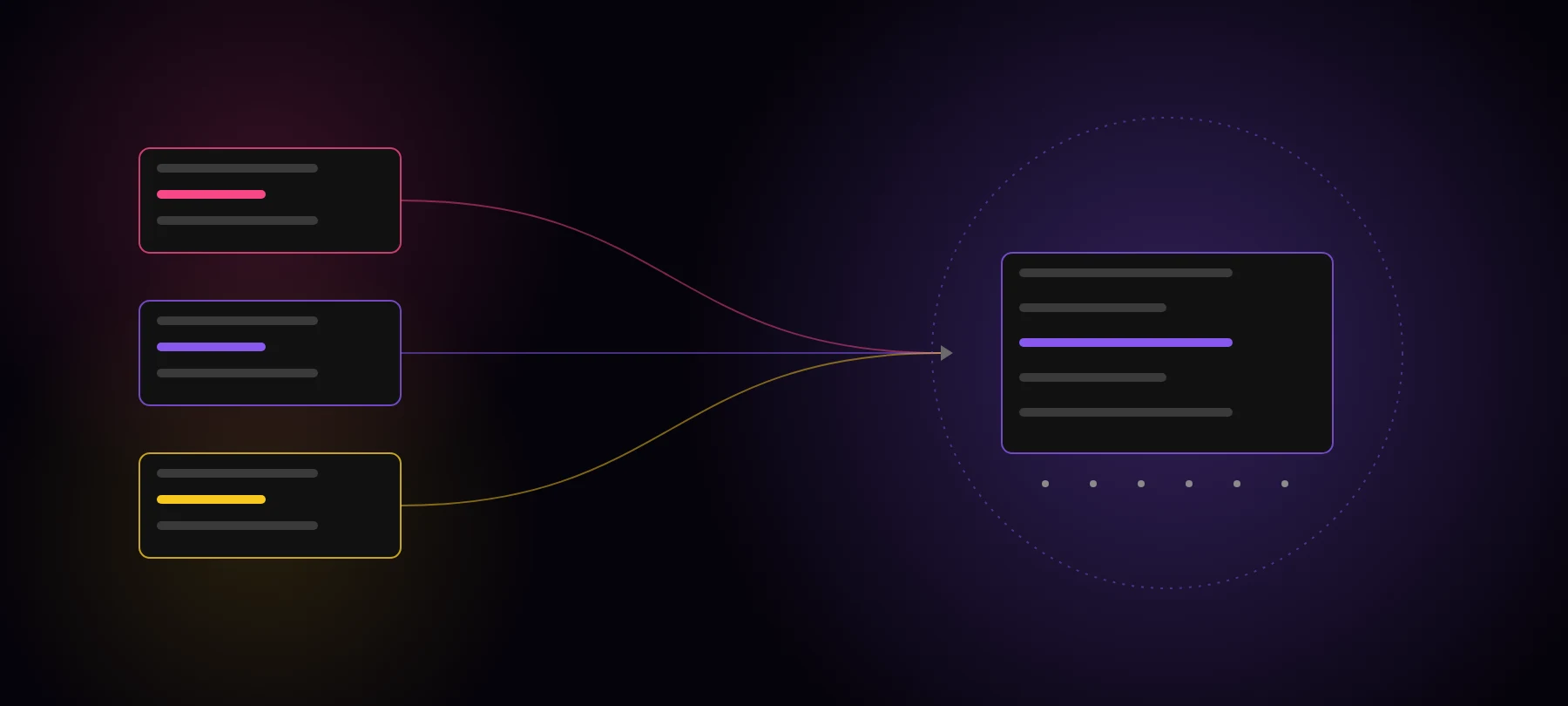
A year ago, getting customer feedback into Claude meant exporting transcripts and pasting them into a project. Now almost every tool that holds customer conversations ships an MCP server. Your call recorder has one. Your support desk has one. Your CRM probably has one.
That is good news. It also means “it has an MCP server” no longer tells you much.
Most of these servers give your agent a search box over one tool’s data. That’s useful for lookups. It falls short the moment someone asks a product question. Here are six checks to run before you connect one, and a ten-minute test to run after.
Why every feedback tool now has an MCP server
MCP (Model Context Protocol) is a standard way for an AI client like Claude, ChatGPT or Cursor to call tools in another system. Once a vendor ships a server, anyone on your team can connect it in a few clicks and ask questions in plain language.
For vendors, it’s an easy way to show up where their users already work. For you, it’s a fast way to put customer context in front of your agents. Teams we talk to are wiring several of these into Claude at once, then wondering why the answers still feel thin.
The reason is usually the shape of what each server returns.
The 6 checks
| Check | What to ask the vendor | Why it matters |
|---|---|---|
| 1. Sources covered | Does it cover only this tool’s data, or calls, tickets, CRM notes and surveys together? | The same need shows up in a sales call, a ticket and a CS note. One source sees a slice. |
| 2. Counts, not just search | Can it say how many distinct customers raised a need, or only return matching passages? | ”How many asked?” is the question roadmaps run on. Search returns examples, not a count. |
| 3. Citations to the original | Does every claim link to the exact quote and source conversation? | Without it nobody can check the answer, and people stop trusting it. |
| 4. Account and revenue context | Is each need tied to an account, its plan and what it’s worth? | Ten requests from free users and ten from your largest customers are different decisions. |
| 5. Freshness | Is new data processed as it arrives, or only when someone asks? | Processing at question time hits the context window. Processing ahead of time scales. |
| 6. Permissions | Does it respect who can see what, and can admins control which clients connect? | Customer conversations are sensitive. The server should follow your existing access rules. |
A server that passes checks 1 and 2 is a different kind of tool from one that only passes check 6.
”A server that passes checks 1 and 2 is a different kind of tool from one that only passes check 6.”
Single-source MCPs vs a cross-source layer
The single-source servers are well built for what they do. They just answer a narrower question.
- Gong’s MCP server exposes
ask_account,ask_dealandgenerate_brief. Each answers questions about a single account or deal, and it returns AI-generated insights rather than raw transcripts (Gong). Great for prepping a call. Not built to count one need across all your customers. - Intercom’s MCP server lets an agent search and fetch conversations and contacts, with field-based queries (Intercom developer docs). Great for finding tickets. It returns conversations, not counted needs.
- Zendesk documents MCP mainly as a client, so its own AI agents and action flows can call other servers (Zendesk help). Check what your plan exposes before you assume an agent can read your tickets.
Connect all three and your agent can look things up in three places. It still can’t tell you how many customers asked for a feature across all of them, because nobody grouped the needs, removed duplicates or tied them to accounts. Three search boxes don’t add up to a count.
”Three search boxes don’t add up to a count.”
A cross-source layer does that work ahead of time. It reads every source, pulls out each need, groups the ones that mean the same thing, counts distinct customers and attaches the account and the quote. Then it serves the result over MCP, so the agent asks one place and gets a number.
How to test one in 10 minutes
Connect the server to Claude or ChatGPT and run these three prompts. Use a feature request you already know well, so you can judge the answer.
- The count. “How many distinct customers asked for [feature] in the last 90 days, across calls and tickets?” A good server returns a number and a list of accounts. A search box returns three quotes and a summary.
- The money. “Which of those customers are on our top plan, and what’s their combined ARR?” This tests account and revenue context. If the agent has to go to another tool and guess the join, the server fails check 4.
- The proof. “Show me the exact quote behind each one, with a link to the source.” Click three of the links. If any dead-ends or points to a summary instead of the customer’s words, the server fails check 3.
Run the same three prompts a week later. If the answers don’t move after a week of new calls, the server fails check 5.
Where Evermuse fits, honestly
Evermuse is the cross-source layer in this picture. It connects to your calls, support tickets, CRM notes, Slack and surveys, processes every conversation as it arrives, counts distinct customers per need, ties each to the account and cites the quote. Its MCP server works with Claude, ChatGPT, Cursor and Codex.
What it isn’t: a call recorder, a support desk or a CRM. It doesn’t replace Gong for coaching reps or Intercom for answering tickets. Keep those, and connect them as sources.
If you only need to look up a single conversation, a single-source MCP server is enough. If you need to know how many customers asked, and which ones, you need the counting done before the question is asked.
Run the three prompts on your own data. Try the Evermuse MCP for free.
FAQ
Is there an MCP server that gives Claude or ChatGPT access to all our customer feedback? Most vendors’ MCP servers cover only their own data, such as calls or tickets. A cross-source layer like Evermuse connects calls, tickets, CRM notes and surveys, counts each need across customers, and serves that to Claude or ChatGPT over one MCP server.
What should I check before connecting an MCP server for customer feedback? Six things: which sources it covers, whether it counts or only searches, citations to the original quote, account and revenue context, how fresh the data is, and permissions.
How do I test an MCP server for customer feedback? Ask it how many distinct customers raised a known request, which of them are on your top plan and what they’re worth, and for the exact quote behind each. A good server answers all three with links.