
How to give Claude Code and Cursor your customer context
Your coding agent knows the code, not the customer. How teams give Claude Code and Cursor customer context, where it breaks, and a 5-minute MCP setup.

Your coding agent has read every file in your repo. Ask it where a function is defined and it answers in a second.
Ask it who asked for the feature it’s building, and it has nothing to say.
That gap is now the most expensive one on a product team. Claude Code and Cursor write a feature in an afternoon. Deciding which feature, and what it has to do for the customers who asked, still runs on memory, a Slack thread and whoever spoke last.
Your agent knows how the product works. It doesn’t know who it’s for.
This guide covers what teams do about it today, where those setups break, what good customer context looks like, and how to connect it to Claude Code and Cursor in about five minutes.
”Your agent knows how the product works. It doesn’t know who it’s for.”
The gap: your agent knows the code, not the customer
Coding agents are built around one kind of context: the codebase. Files, types, tests, commit history. Everything an agent needs to answer “how does this work?” sits in the repo, structured and current.
Customer context lives somewhere else entirely. It’s spread across sales calls, support tickets, user interviews, survey answers, CRM notes and Slack. None of it is in the repo, and none of it is structured for an agent to use.
So when a PM or engineer asks their agent to build the bulk export customers keep requesting, the agent knows exactly where the export code lives. It has no idea that eleven accounts asked for it, that three of them are renewing next quarter, or that two of them meant something different by “bulk”.
What teams do today
In our Q3 2026 interviews with product, design and engineering leaders, most teams had already found a workaround. They fall into three patterns.
1. Copy and paste. The most common one. A PM grabs a call transcript or a Slack message and drops it into the chat. One product leader described the flow: “the feedback typically comes from somewhere that has some sort of artifact like a call transcript or a Slack message that we can easily pull in. And we’ll pull that in to Claude or Cursor.”
2. A folder of transcripts. Some teams save calls and notes as files the agent can read, next to the code or in a Claude project. It works until the folder holds more than a handful of conversations.
3. One MCP per tool. Teams that have standardized on Claude Code (one told us “most of our team is on Claude code, like 90% of the time”) wire in an MCP server for each tool they use. An AI engineer put it simply: integrating MCPs “just allows it to have kind of all of the context I would have when writing code. So then it is a lot more accurate.”
All three are reasonable. Each one gets the agent closer to the customer. And each one hits the same walls.
Where it breaks
Past about ten transcripts, the agent is sampling. A context window holds a few calls, not a quarter of them. Paste in more and the agent quietly reads some and skims the rest. The answer sounds complete either way.
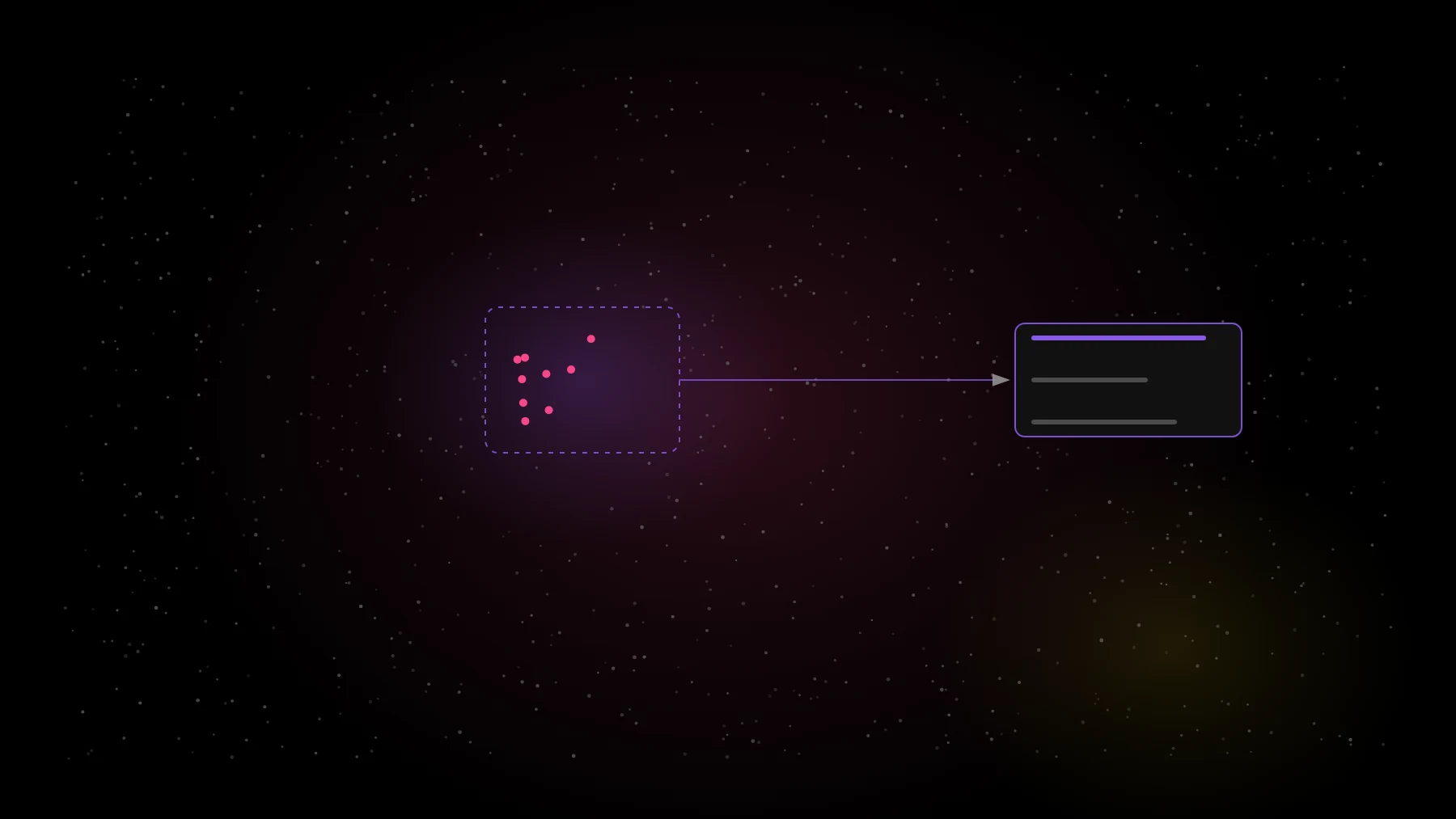
Nothing gets counted. Reading five transcripts tells you what five customers said. It can’t tell you how many customers asked for something, because nobody processed the other two hundred conversations.
No revenue. A transcript doesn’t know what the account pays you. Without the CRM side, “a lot of customers want this” can’t become “accounts worth $340K want this”.
No citations. When the agent says customers want bulk export to include attachments, can you click through to the sentence where someone said it? With a pasted transcript, maybe. With a summary of a summary, no.
A tool-by-tool MCP setup brings the raw data closer, not the answer. Connecting your call recorder and your help desk gives the agent access to both. It still has to read everything, live, on every question, and it still can’t count across them.
Retrieval finds documents. Counting finds what to build.
”Retrieval finds documents. Counting finds what to build.”
What good customer context looks like
Good customer context for a coding agent has four properties. Here’s how they compare with the common setups.
| Copy-paste or a folder | One MCP per tool | A customer-evidence layer | |
|---|---|---|---|
| 🔢 Counted | No. Reads what you paste | No. Reads what it retrieves | Yes. Every request grouped and counted ahead of time |
| 🔗 Cited | Sometimes | Sometimes | Every claim links to the exact quote and source |
| ⏱️ Current | As of the last paste | Live, but unprocessed | Updated as each call, ticket and survey lands |
| 🏢 Per account | No | Only if the agent joins it to the CRM | Every need tied to the account and what it’s worth |
The difference is where the work happens. In the first two columns, the agent does the reading at question time, from whatever fits in its window. In the third, every conversation was processed before the question: needs extracted, duplicates grouped, accounts matched, quotes kept. The agent asks and gets a number.
Setup: connect customer evidence to Claude Code and Cursor
Any MCP server that serves counted, cited customer evidence works the same way. Here’s the setup with Evermuse, which takes about five minutes once your sources are connected.
Claude Code. In your terminal, run:
claude mcp add --transport http evermuse https://api.evermuse.com/api/mcpStart Claude Code, and it opens a browser window to sign in with your Evermuse account (OAuth 2.1, no API keys to copy).
Cursor. Open Cursor, go to Settings, then MCP, then Add new MCP server. Name it “evermuse”, set the URL to https://api.evermuse.com/api/mcp and choose OAuth as the auth method. Or add it to your mcp.json:
{
  "mcpServers": {
    "evermuse": {
      "url": "https://api.evermuse.com/api/mcp"
    }
  }
}
Check it works. Ask your agent: “What are the top customer requests from the last 30 days?” You should get a ranked list with counts and a source link on each item. If you get a paragraph with no numbers, the connection is reading, not counting.
Full setup steps for Claude, ChatGPT, Codex and other clients are on the MCP page.
Prompts to use while you build
Once the agent can see customer evidence, the useful questions change. These work well mid-feature, with the code open:
“I’m building bulk export. Who asked for it, how many accounts, and what did they actually say?”
“Before I write this spec, list the customer quotes about exports that mention attachments, with a link to each.”
“Which of the accounts that asked for this are renewing in the next 90 days?”
“Did anyone push back on this idea, or ask for something that conflicts with it?”
“Write acceptance criteria for this feature from what customers asked for, and cite the request behind each one.”
The last one is where it pays off. The agent already knows the code. Now it writes the feature against what customers needed, with a link back to each customer who needed it.
Want to try it on your own customers? Connect Evermuse at evermuse.com/mcp, then ask your agent how many customers asked for the thing you’re building next.
FAQ
How do I give Claude Code customer feedback as context?
Connect an MCP server that serves processed customer evidence. With Evermuse, run claude mcp add --transport http evermuse https://api.evermuse.com/api/mcp and sign in with OAuth. Claude Code can then ask who requested a feature, how many accounts, and see the quotes.
Can Cursor read customer feedback? Yes, through MCP. Add a server in Cursor Settings, then MCP, with the server’s URL and OAuth, and Cursor’s agent can query customer evidence while it writes code.
Why not just paste transcripts into the chat? A context window holds a few transcripts, so the agent samples instead of counting, can’t tie requests to account revenue, and rarely links each claim to its source.